
Ask the next relevant question.
Show fields, require answers, or set values based on what someone enters. Build the behavior visually while keeping your form in Webflow.
WHY IT MATTERS
One contact form. A clear destination.
A shared inbox works until every inquiry needs forwarding. Roolify lets you define who receives a submission based on the information in that form.
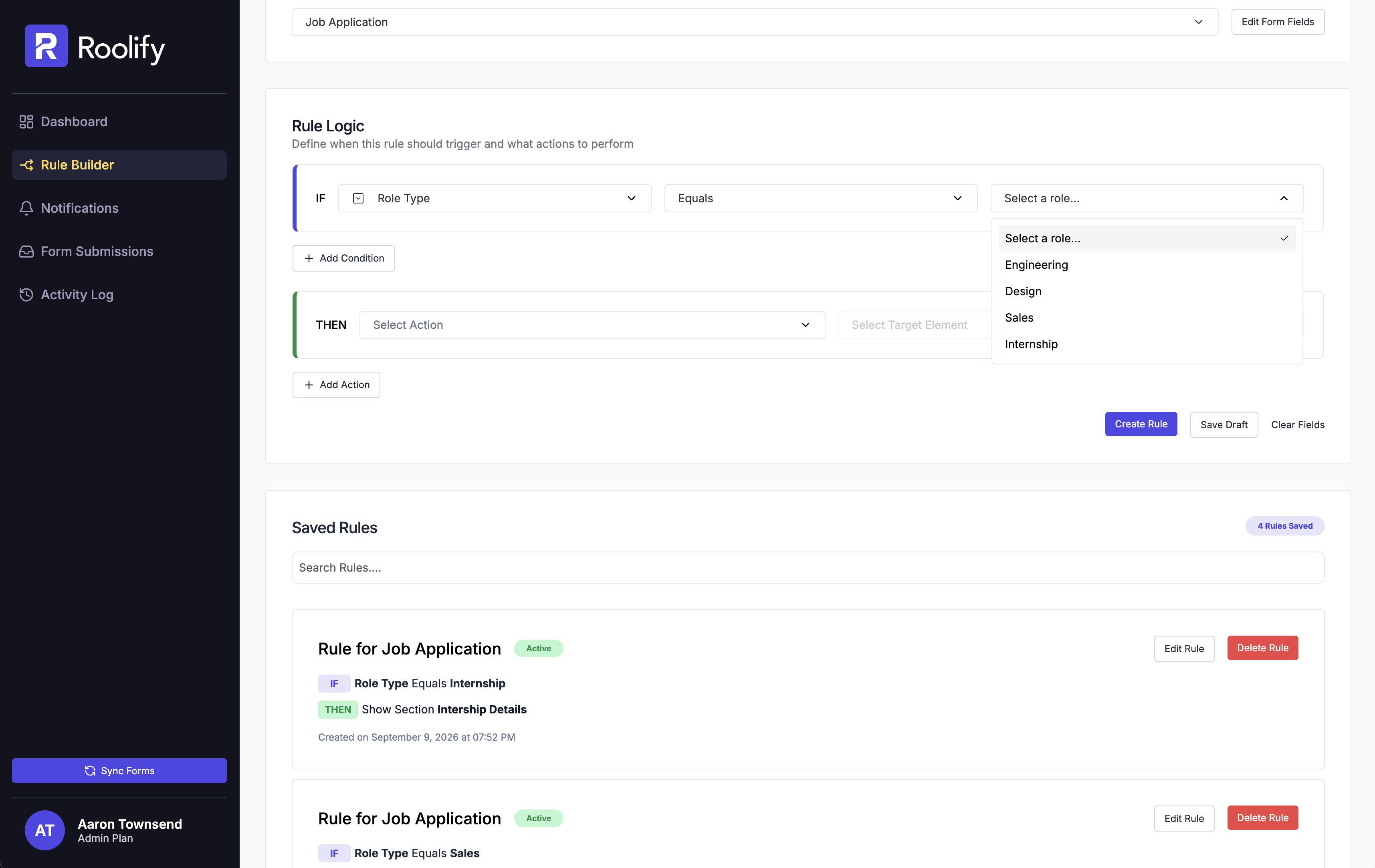
01
Choose the condition
Match text, compare numbers or dates, check whether a field is empty, or use a checkbox’s checked state.
02
Match text, compare numbers or dates, check whether a field is empty, or use a checkbox’s checked state.
Show or hide fields, require or make them optional, enable or disable inputs, and set or clear values.
03
Keep changes in draft
Save a rule without activating it. Publish when you’re ready for it to run on your live site.
Answers, before you start
Dont see yours? Ask us
Can I show or hide a whole section?
Yes. Wrap the fields in a div inside the form, add a data-roolify-id attribute in Webflow, publish, and refresh your data in Roolify. The section then appears as a rule target.
Do draft rules affect my live form?
Yes. Wrap the fields in a div inside the form, add a data-roolify-id attribute in Webflow, publish, and refresh your data in Roolify. The section then appears as a rule target.
What if I change fields in Webflow?
You can trigger rules based on field values, dropdown selections, checkboxes, and more. Rules can use AND/OR logic so you can handle complex scenarios.
Are my rules applied instantly on the live site?
Yes. As soon as you toggle a rule active in your Roolify dashboard and save your changes, the conditional logic updates instantly on your published Webflow site without requiring a re-publish in Webflow.
BUILT FOR YOUR NEXT FORM
Give it a real problem to solve.
Try your rules on a webflow.io site with the free plan. Move to a paid plan when you’re ready for a custom domain.
Try RoolifyHave a question? Get in touch. Compare plans and limits →